PRE-CHECK LIST
1. Backup iPhone 5.
RESTORE!
1. Insert nano SIM card into iPhone 6s
2. Power on and Plug in iPhone 6s using Lightning to USB Cable
3. On Hello > slide to set up
4. English > Malaysia
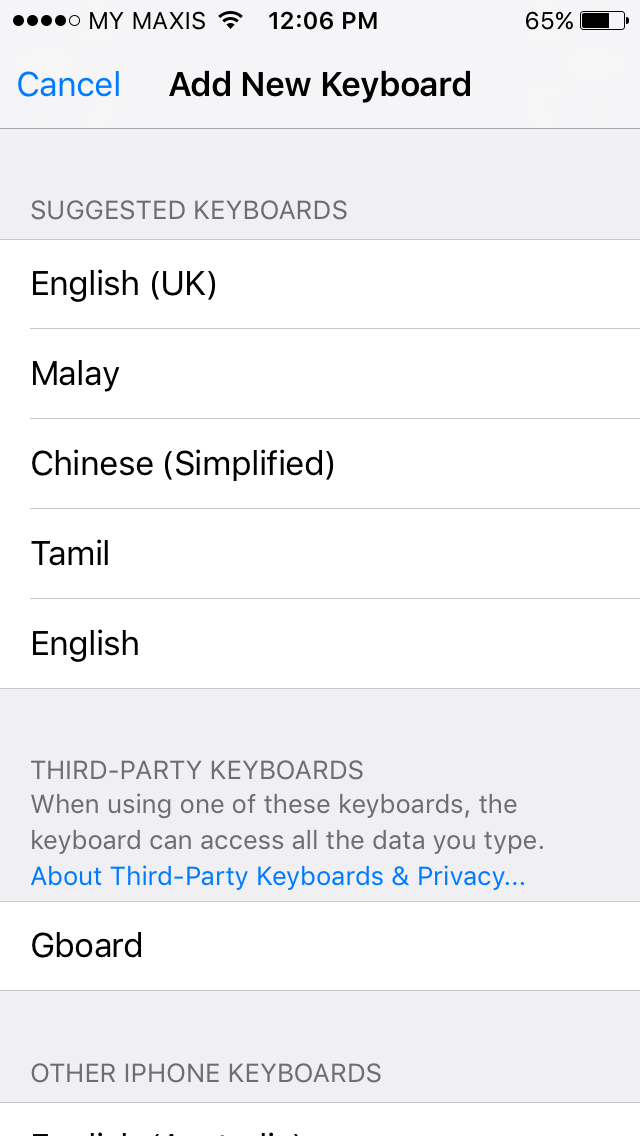
5. Keyboards > Next
6. Choose a Wi-Fi Network > Select the Wi-Fi SSID
7. Enter Password > [PASSWORD] > Join
8. Location Services > Disable Location Services > OK
9. Touch ID > Set up Touch ID Later > Continue
10. Create a Passcode > Passcode Options > 4-Digit Numeric Code > [PASSCODE] > [RE-ENTER PASSCODE]
11. Apps & Data > Restore from iTunes Backup
12. On PC iTunes > Restore from this backup: [NAME-iPhone] > Continue
13. Check 'I have read and agree ...' > Continue
14. Restoring iPhone from backup... > Once done, iPhone 6s will restart
15. slide to upgrade > Enter passcode
16. Hello > slide to set up > Enter passcode
17. SIM Locked > Unlock > Enter PIN
18. Update Completed > Continue
19. Choose a Wi-Fi Network > Select the Wi-Fi SSID
20. Enter Password > [PASSWORD] > Join
21. To finish setting up iCloud,... > Skip This Step
22. Are you sure? > Skip
23. Diagnostics > Don't Send
24. Display Zoom > STANDARD > Next
25. Welcome to iPhone > Get Started