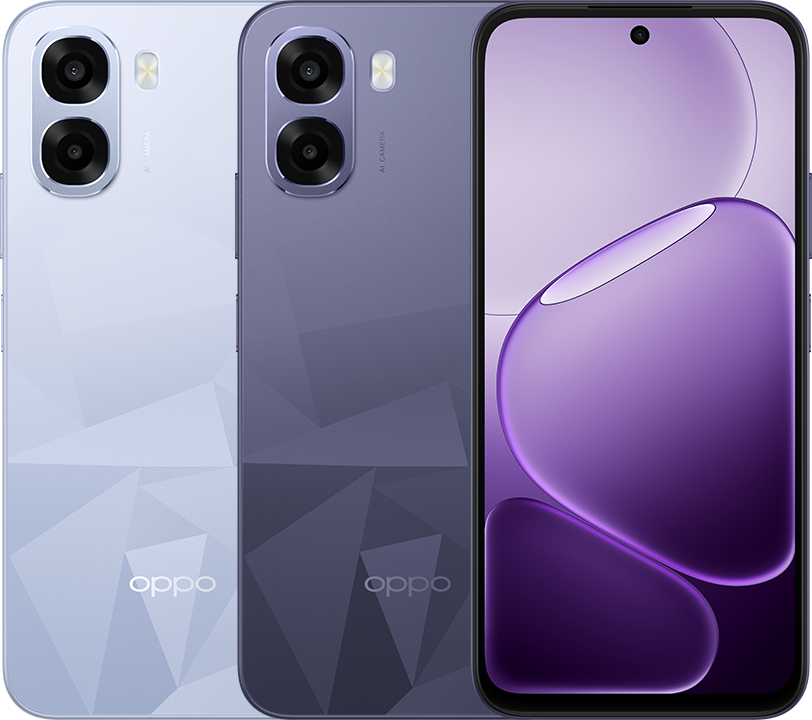
1. Hold Power button for few second > OPPO > ColorOS
2. Hello ->
3. Select language:
English
Next
4. Select region:
Malaysia
Next
5. Legal information > Next
6. Set up using another device:
Information > OK
6.1 Set up using another device > Skip
7. Connect to Wi-Fi
[Wi-Fi_AP] > [Password]
Save
Next
8. Getting your phone ready...
9. Copy apps and data > Don't copy
10. Google Sign in
Email or phone: [email]
Next
Enter your password: [password]
Next
10. Welcome [User] > I agree
11. Unlock method: Password
12. Select password type: Numeric
13. Important notice > Continue
14. Enter password: [6_digit]
Enter password again: [6_digit]
15. Unlock method > Next
16. Google services
Use Location: ON
Allow scanning: ON
Allow phone number verification: ON
Send usage and diagnostic data: OFF
Accept
17. Google services: Back up your device > Don't back up
18. Continue setup? > Continue
19. Meet Gemini, your personal AI assistant > Continue
20. Go hands-free with 'Hey Google' > No, thanks
21. Pay > Skip
22. Anything else? No, thanks
23. OPPO Account > Allow
24. OPPO > Sign in with Google
25. Terms and conditions > Allow
26. Choose an account: [email@gmail.com]
27. Confirm email: Linked email: [email@gmail.com] > Next
28. Security verification > Select in order the 3 shapes
29. Complete account info
Birthday > Select >
Birthday [yyyy] [mm] [dd]
Next
30. Set password
Password: [password]
Confirm password: [password]
Save
31. Recommended services
Auto-update overnight: ON
Global Search: OFF
Weather Services: OFF
Auto update system apps: ON
App Market: ON
Lock Screen Magazine: OFF
Internet: ON
Context-Aware Network Service: ON
Enhanced Intelligent Services: OFF
Phone Manager services: ON
User Experience Programme: OFF
System Stability Improvement Program: OFF
AI Service Engine: ON
Agree
32. Navigation: Buttons > Done
33. ColorOS > Get started
34. Finish OPPO A6t 5G setup
35. Set up using another device > Skip
36. Copy apps and data > Don't copy
37. Unlock method > Next
38. Pay > Skip
39. Anything else? > No, thanks

No comments:
Post a Comment