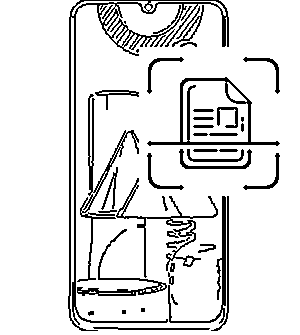
1. Camera app > Setting:
Scene optimiser: Enable
Document scan: Enable
2. To scan:
2.1 Camera app > point to document
2.2 Yellow rectangle box with 'Scan' button will appear
2.3 Press 'Scan' button to scan
2.4 Scan document stored phone Gallery
1. Camera app > Setting:
Scene optimiser: Enable
Document scan: Enable
2. To scan:
2.1 Camera app > point to document
2.2 Yellow rectangle box with 'Scan' button will appear
2.3 Press 'Scan' button to scan
2.4 Scan document stored phone Gallery
